EasyBar

EasyBar is a lightweight, scriptable macOS status bar built with SwiftUI and Lua.
Use native built-ins for common system data such as spaces, battery, Wi-Fi, calendar, time, date, and volume. Add Lua widgets only when you need custom display logic, shell-command integration, or personal workflow behavior.
EasyBar is designed for a clean macOS workflow and integrates especially well with AeroSpace. EasyBar requires AeroSpace 0.21.0 or newer for AeroSpace-backed widgets.
Start here
New users should follow the user path first:
- Quick Start: install EasyBar, start the services, verify that the bar responds, and optionally create a custom config.
- Built-ins Vs Lua: choose whether a widget belongs in
config.tomlor in a Lua file. - Configuration Overview: learn where config lives and which pages explain each config area.
- Lua Widgets: add custom widgets after the built-ins cover the basics.
- Troubleshooting: fix startup, service, config, permission, and runtime issues.
If you are changing EasyBar itself, start with Internals instead. Contributor and architecture notes are intentionally kept out of the first-run path.
Common tasks
| Goal | Start with |
|---|---|
| Install and see the bar | Quick Start |
| Find the runtime config path | Config Path |
| Enable native widgets | Built-ins |
| See all command-line controls | CLI Reference |
| Group built-in widgets visually | Native Groups |
| Pick or customize colors | Themes |
| Add a custom widget | First Widget |
| Browse bundled widget examples | Bundled Widgets |
| Debug a stuck bar | Troubleshooting |
| Understand process boundaries | Internals |
Features
- Native macOS bar window built with SwiftUI
- Configurable native widgets for spaces, applications, system status, calendar, and more
- Object-style Lua widgets with events, timers, asynchronous commands, popups, and groups
- Native right-click context menus for Lua widgets
- Shared native inbox with unread state, grouping, persistence, Markdown, and publisher actions
- File-based themes with bundled and custom TOML palettes
- AeroSpace integration for spaces, focused app state, and layout mode state
- Calendar and network helper agents for permission-sensitive data
- Persistent menu bar controller and CLI commands for reloads, restarts, and diagnostics
- Homebrew cask installation into
/Applicationswith separate permission-agent services - Config-driven logging, troubleshooting diagnostics, and lightweight runtime metrics
How EasyBar is meant to be used
Start with the native built-ins because they keep platform-sensitive behavior in Swift and require less maintenance. Use config.toml for placement, grouping, themes, and built-in behavior. Reach for Lua when a widget needs custom formatting, shell commands, custom interactions, or project-specific status.
For architecture, process boundaries, agent protocols, Lua runtime internals, and contributor notes, use Internals.
Screenshots
Calendar
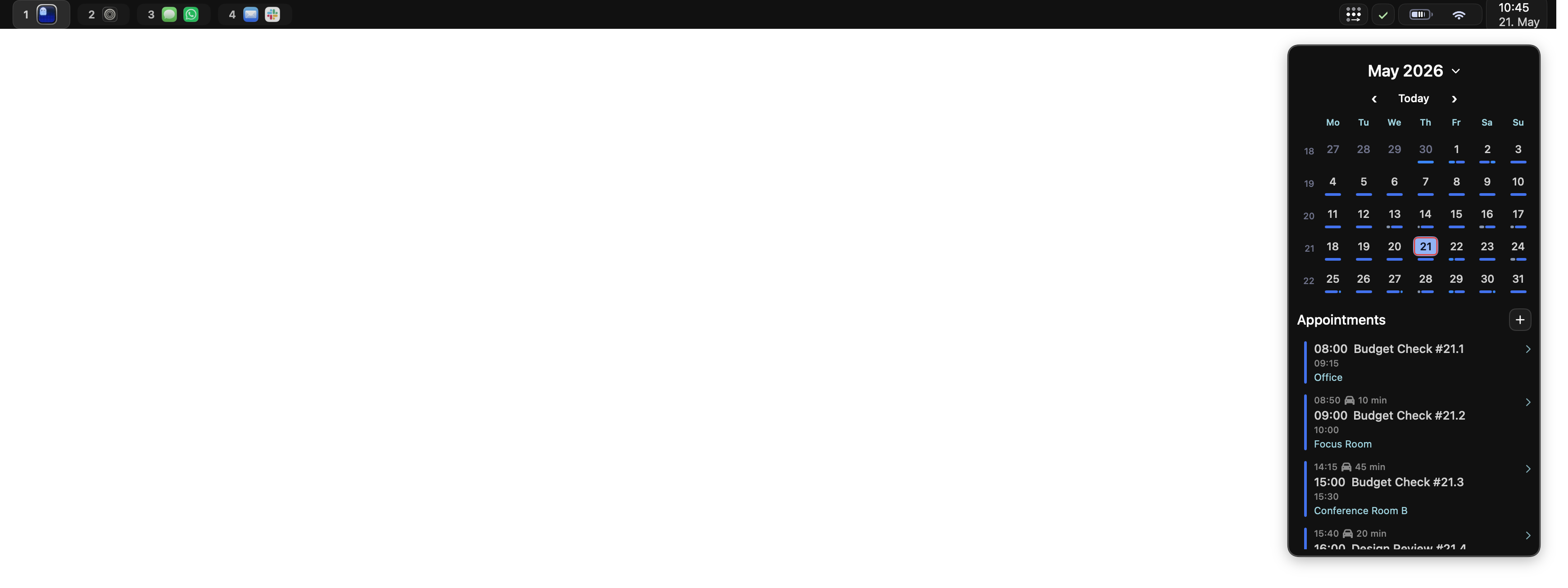
The native Calendar widget can open a full month view from its time and date anchor. Days with events are marked for quick scanning.
Upcoming
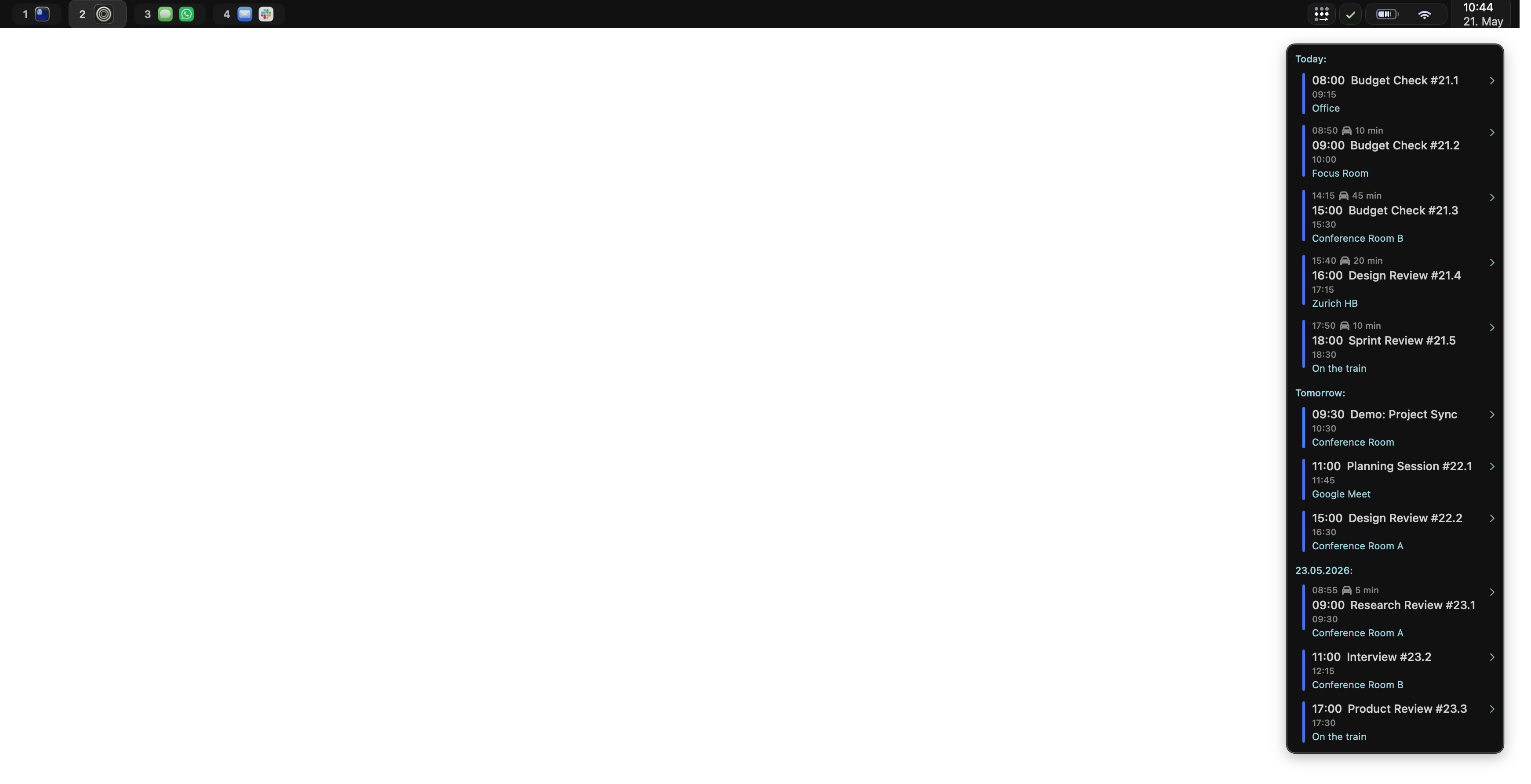
The Calendar widget can also show upcoming events in a compact agenda, including their calendar, time, and location.
Inbox
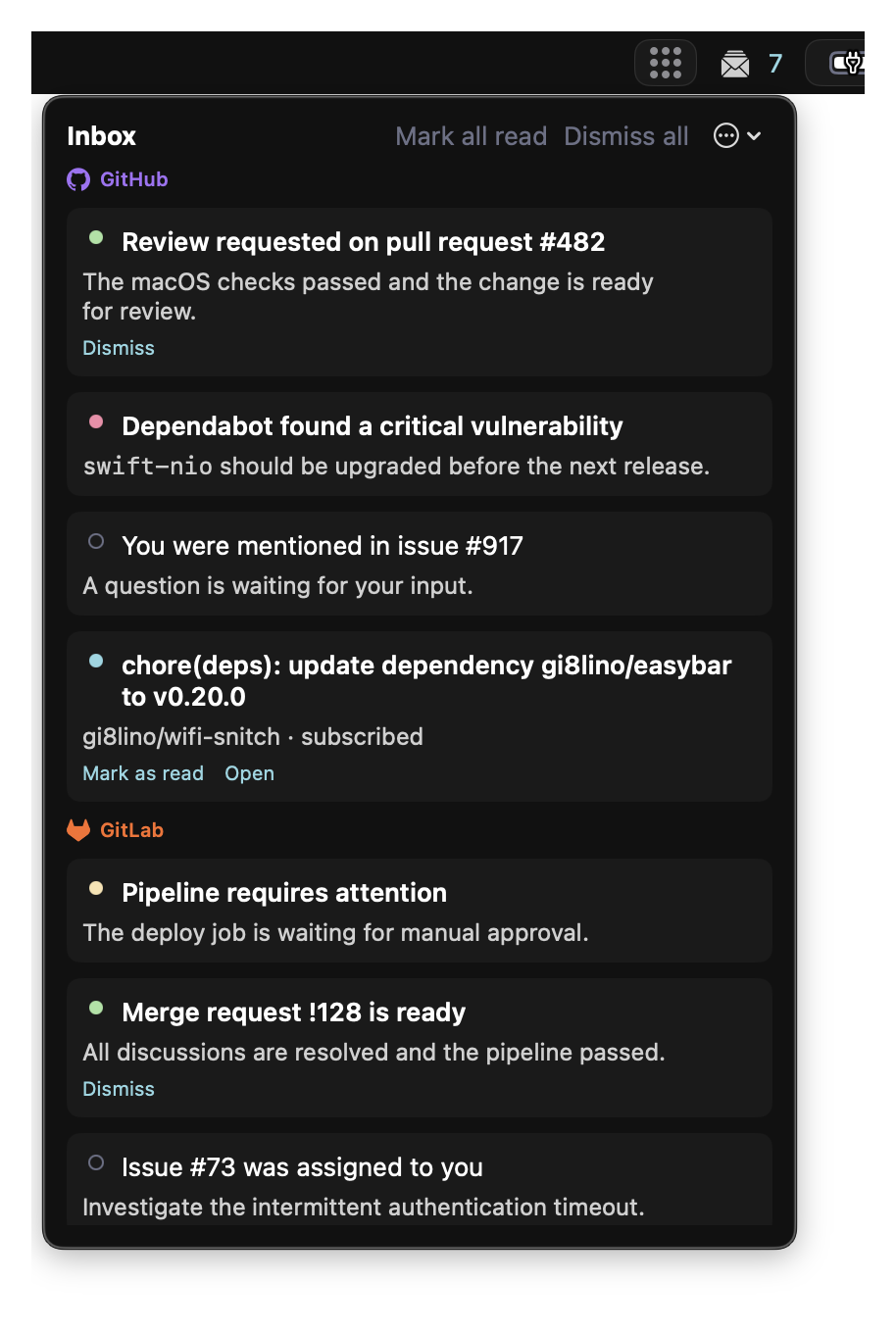
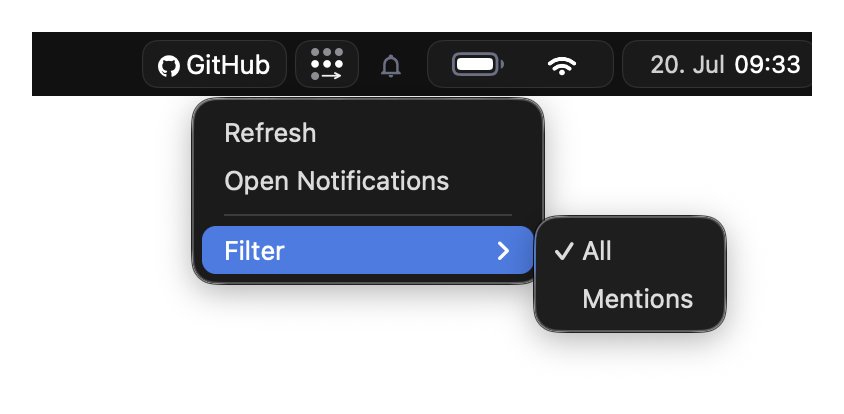
The native Inbox collects notifications from Lua sources and the
easybar inbox CLI. It can group them by source or category, and items may expose actions such as
opening, dismissing, or marking them as read.
CPU
The CPU popup shows current processor activity and a short usage history. Its context menu provides controls for the refresh interval and history.

Wi-Fi
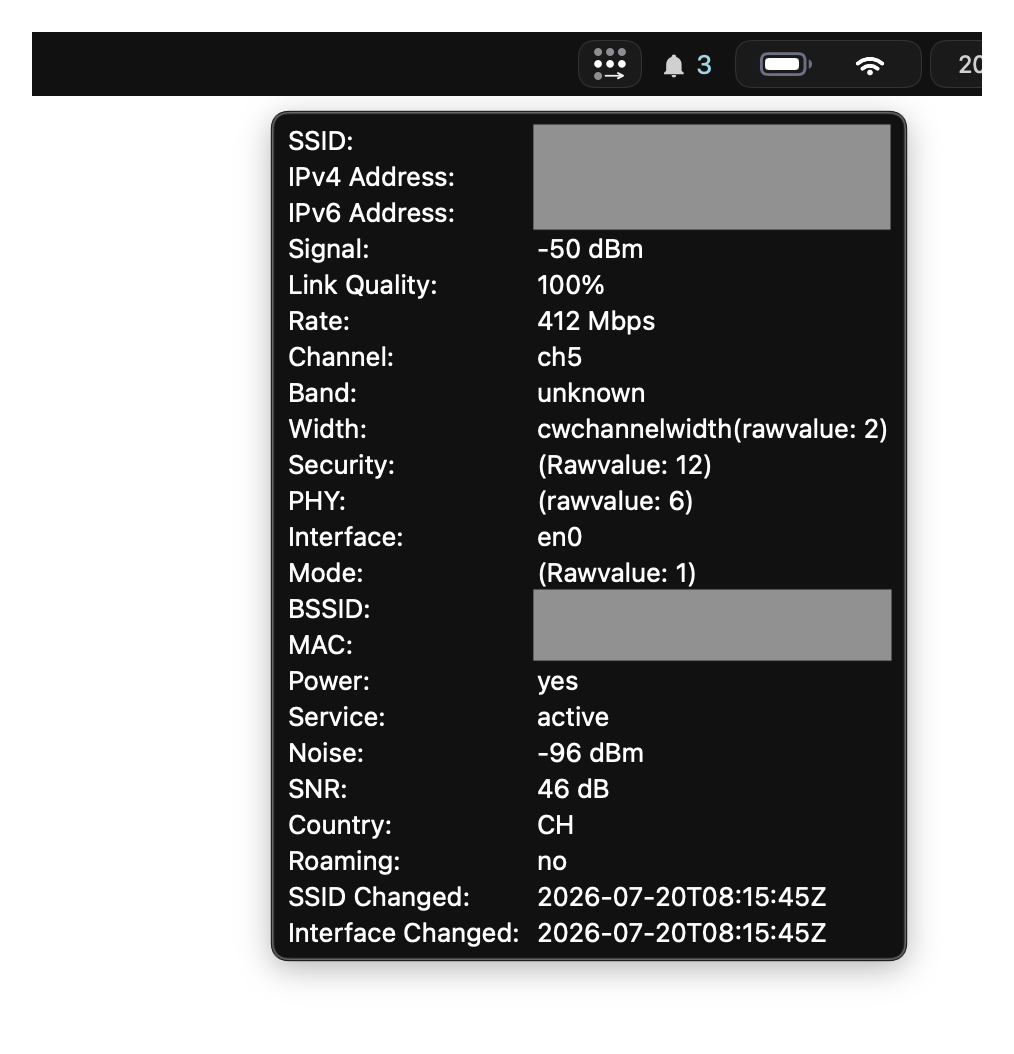
The native Wi-Fi widget can display connection and network details such as the SSID, signal strength, and IP addresses.
Tailscale
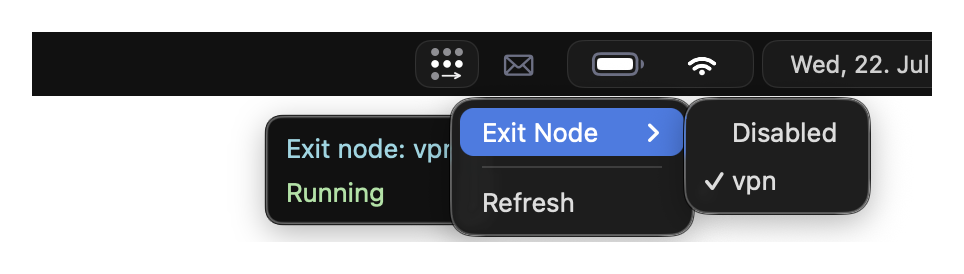
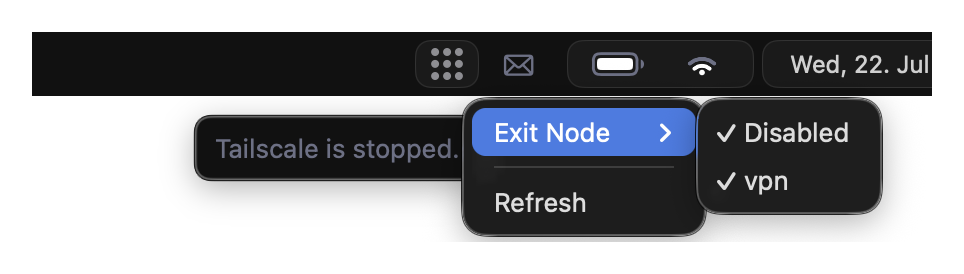
The Lua Tailscale widget shows whether Tailscale is running and which exit node is active. Left-click the widget to start or stop Tailscale. Right-click it to select or disable an exit node, or to refresh the current status.
Enabled with an exit node
Disabled
Spaces
The native Spaces widget displays AeroSpace workspaces and highlights the currently focused workspace. This example shows the widget without Front App.

Spaces with Front App
When front-app display is enabled, the Spaces widget adds the focused application's icon and name beside the workspace buttons. The screenshot uses these layout settings:
[builtins.spaces.layout]
hide_empty = false # Hides spaces that have no apps.
show_label = true  # Shows the workspace label.
show_icons = false # Shows app icons inside each space pill.

Native widget controls
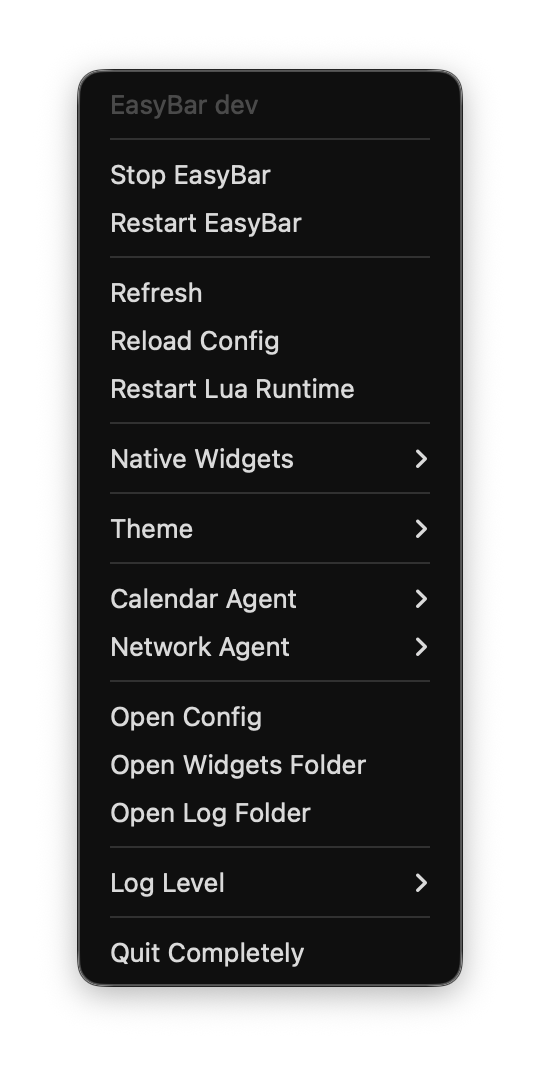
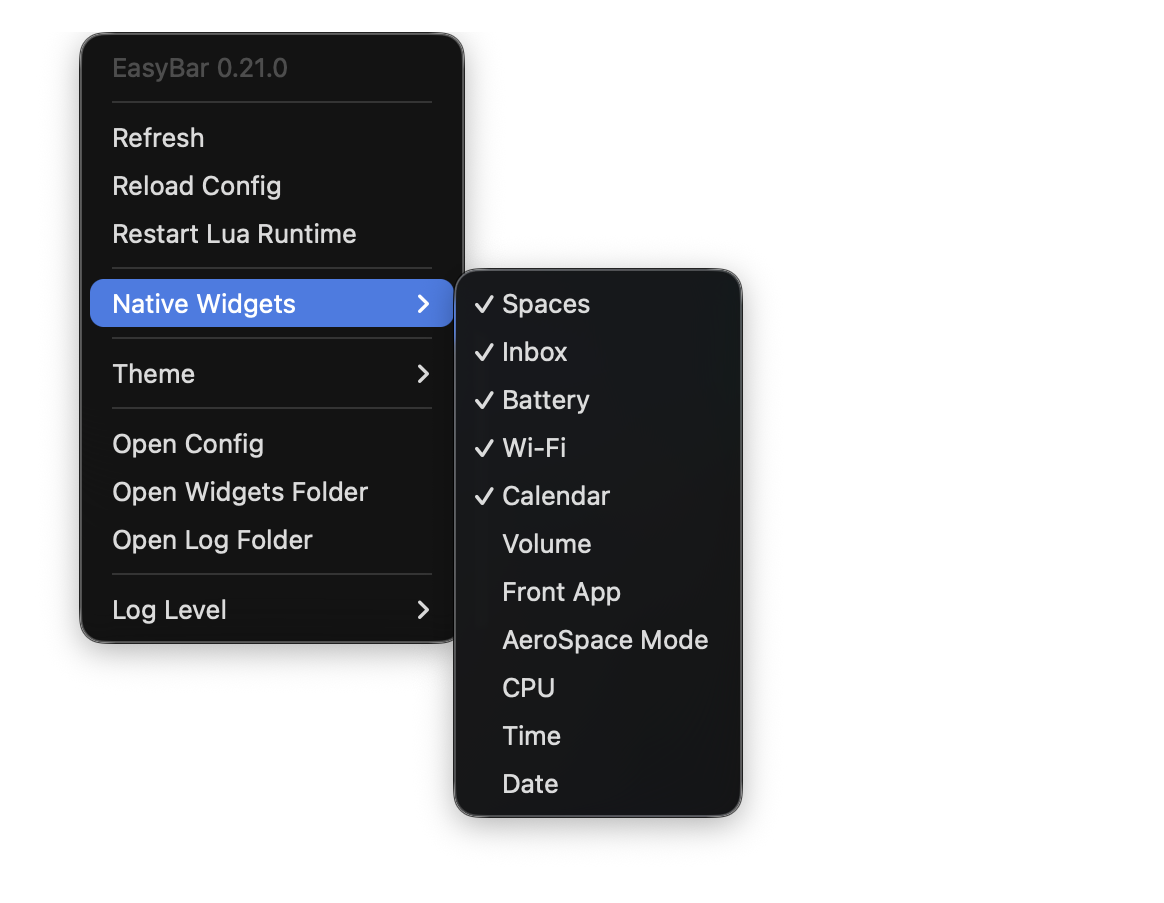
Right-click empty space in the bar to open EasyBar's context menu. The Native Widgets submenu lets you enable or disable built-in widgets without editing the configuration file manually.
Custom context menu
Lua widgets can build custom context menus with nested actions, toggles, disabled entries, and keyboard shortcuts.
Top bar app context menu
Right-clicking an application in the top bar opens controls for focusing, hiding, or quitting that application without leaving the current workspace.